
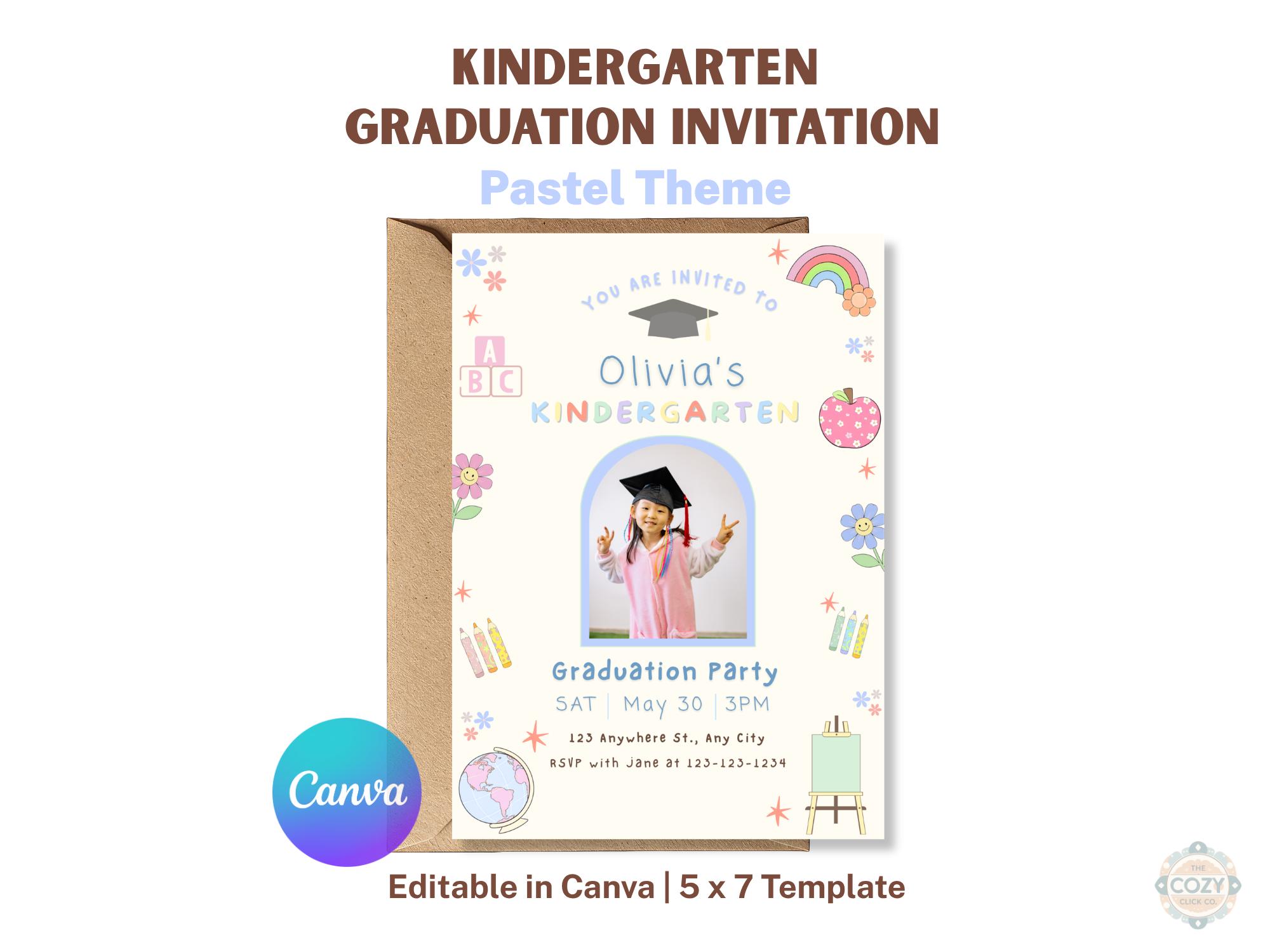
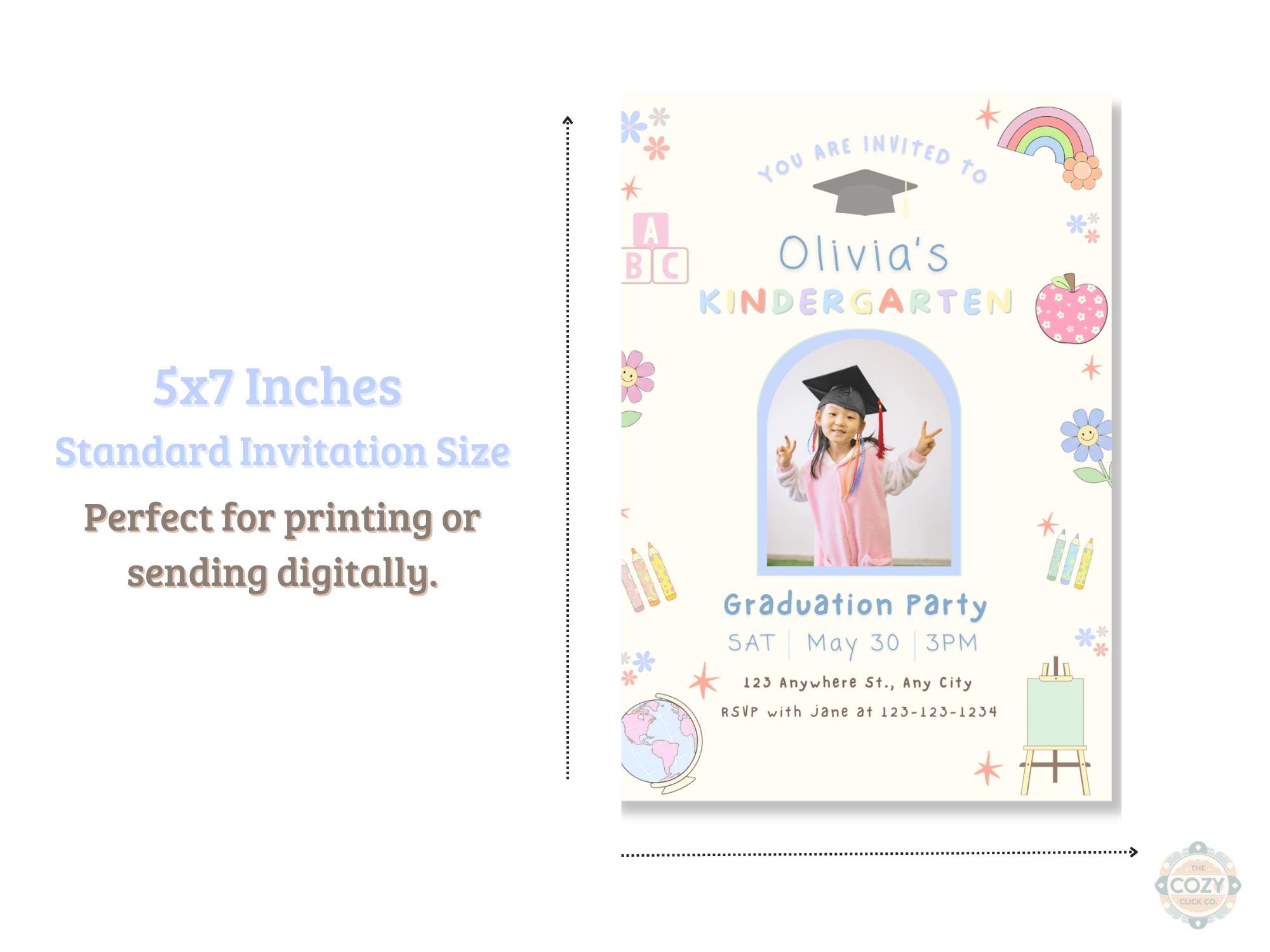
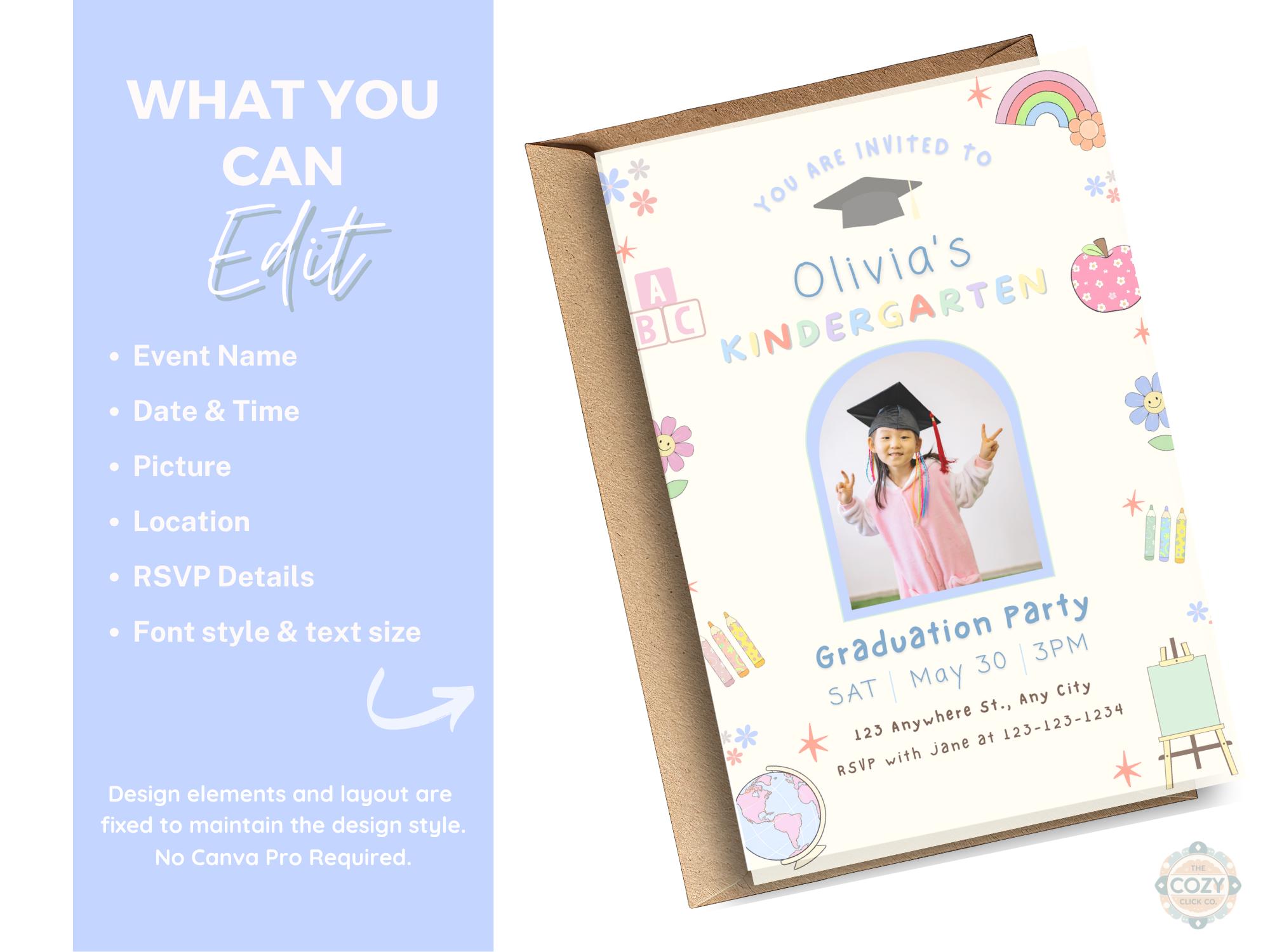
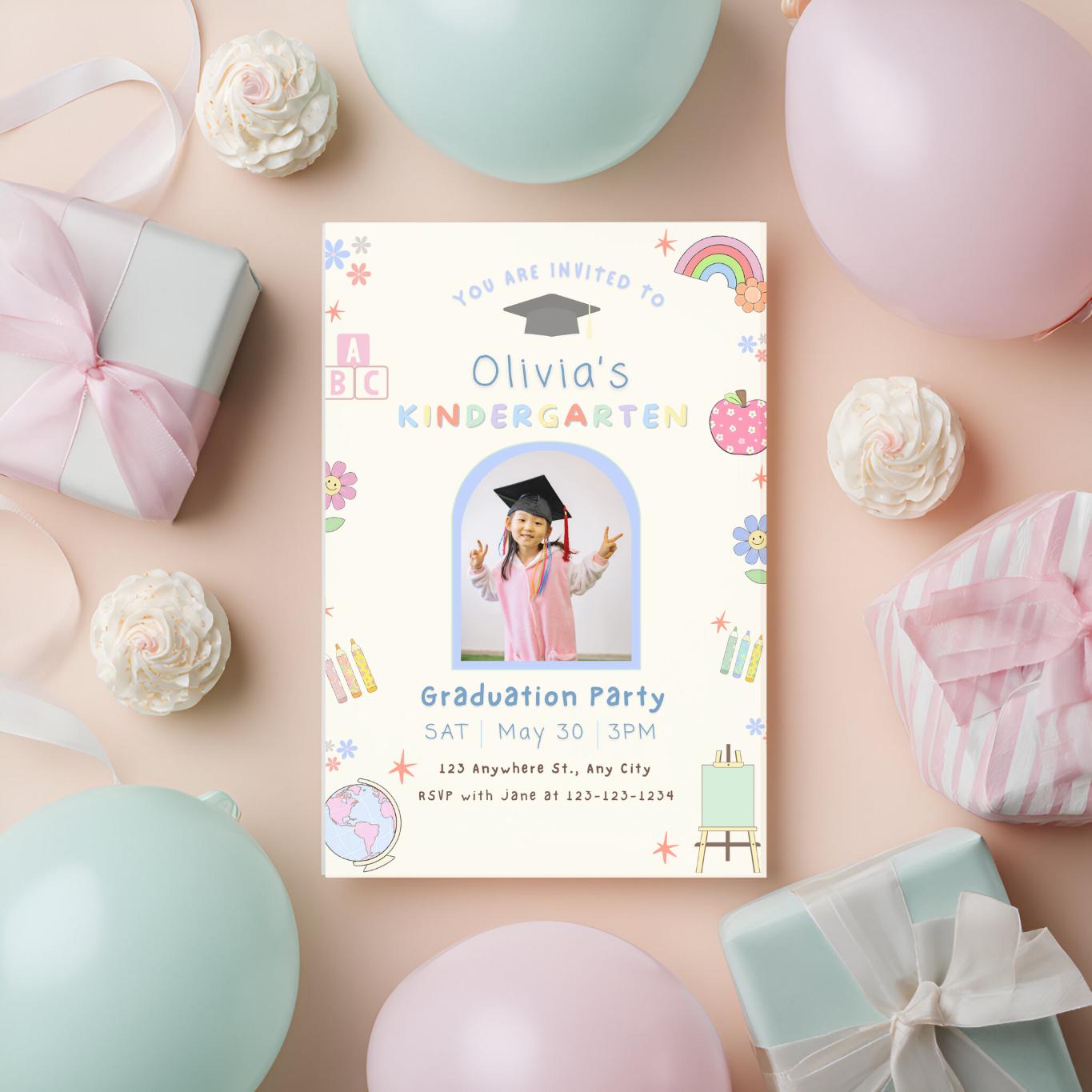
Celebrate your child’s big milestone with this editable kindergarten graduation invitation template in a soft pastel theme, perfect for creating a personalized and memorable party invite. This Canva editable 5x7 kindergarten graduation invite with photo allows you to quickly customize all details and download instantly.
This pastel graduation invitation is designed with a playful, child-friendly aesthetic featuring school-themed elements, making it perfect for kindergarten graduation parties, end-of-year celebrations, or preschool promotions.
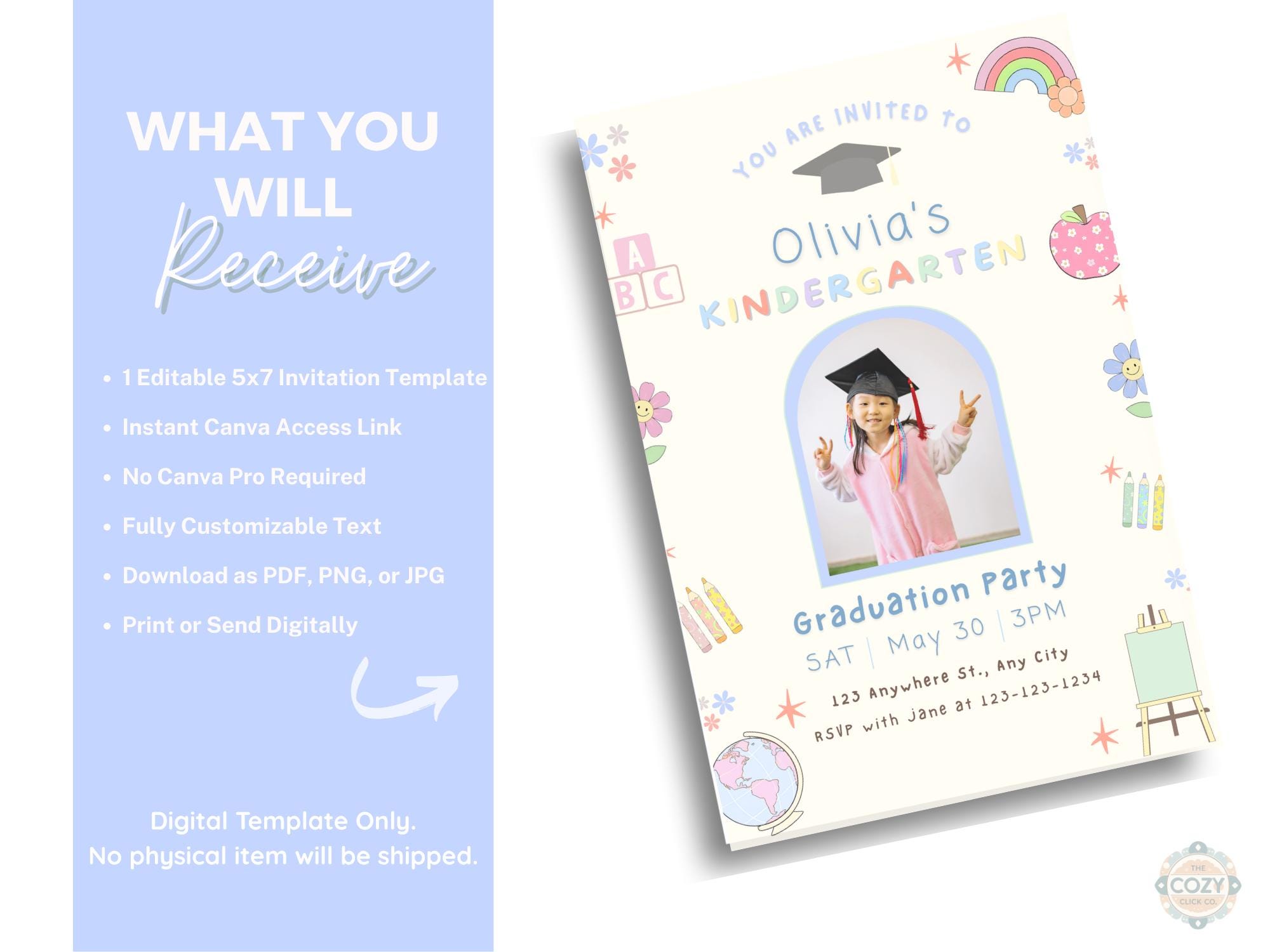
✨ WHAT YOU’LL RECEIVE
• Editable 5x7 graduation invitation template
• Instant access via Canva (no software needed)
• Easy drag-and-drop photo upload
• Fully customizable text (name, date, time, location, RSVP)
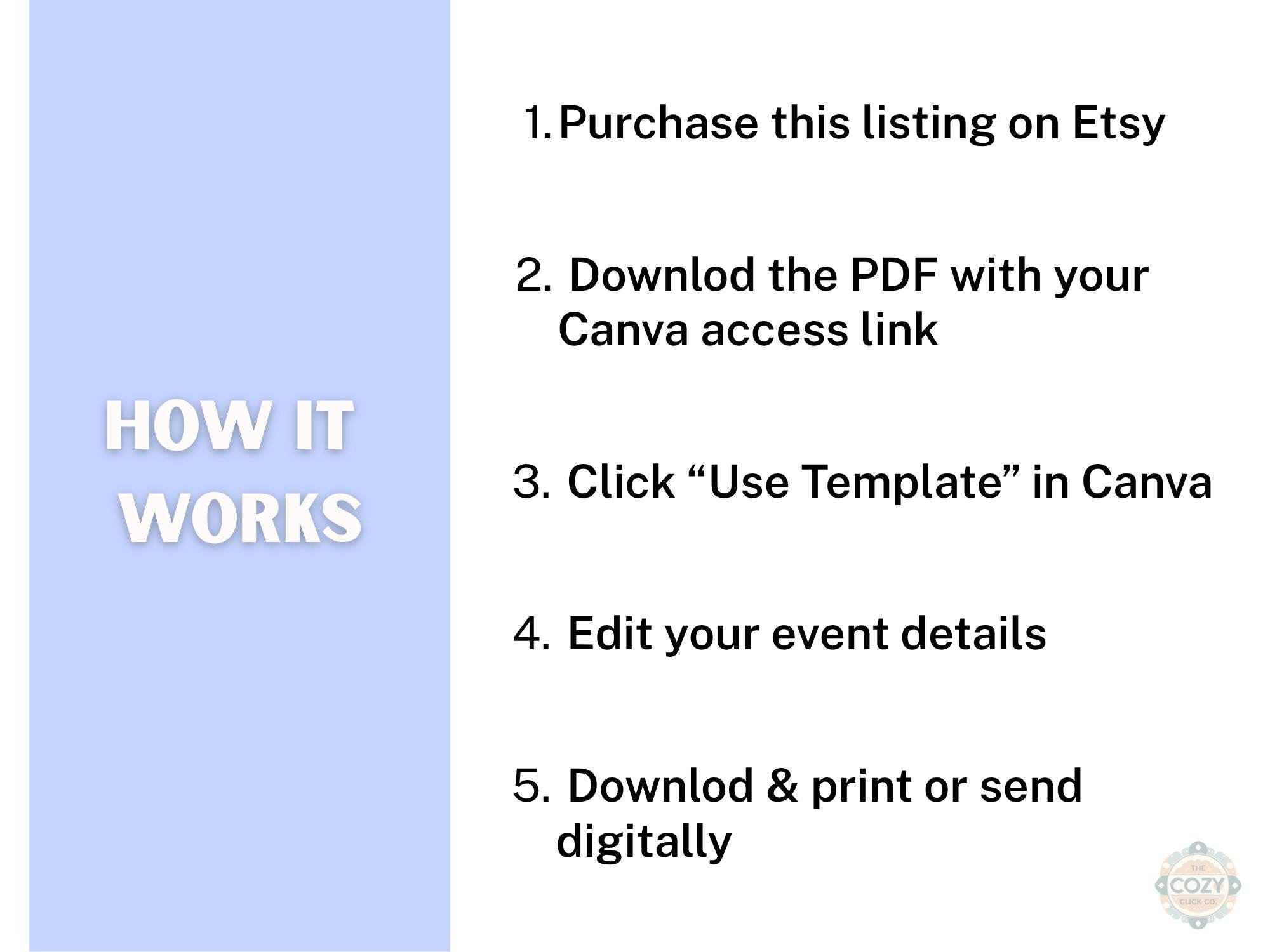
✨ HOW IT WORKS
1. Purchase the listing
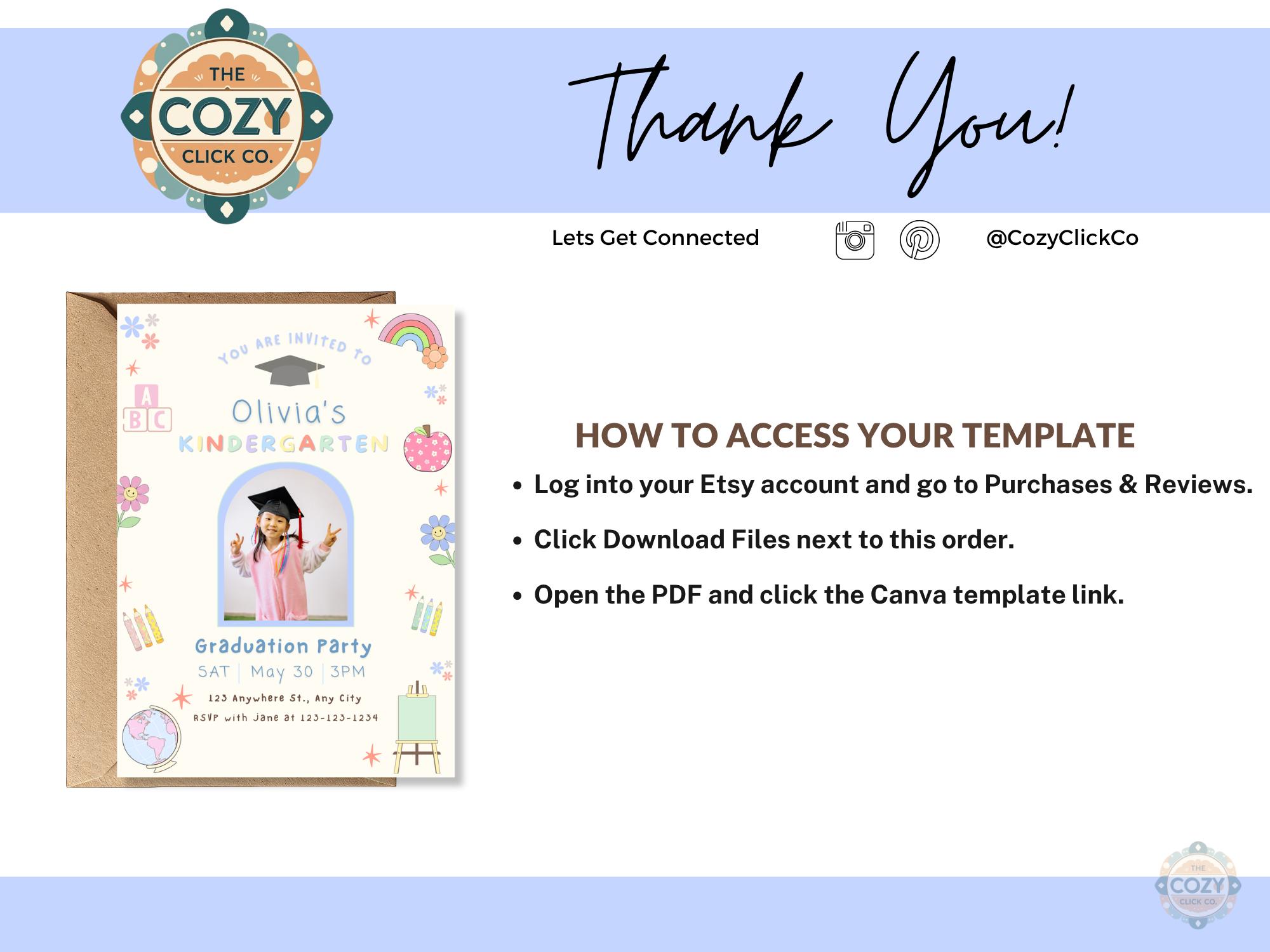
2. Download the PDF with your Canva link
3. Open in Canva (free account works!)
4. Edit text + add your child’s photo
5. Download and print or send digitally
✨ FEATURES
• Soft pastel color palette (perfect for boys or girls)
• Fun school-themed graphics (ABC blocks, rainbow, apple, crayons)
• Clean and modern layout
• Designed for easy editing—even for beginners
✨ PERFECT FOR
• Kindergarten graduation parties
• End of school celebrations
• Preschool or Pre-K promotions
• Photo graduation announcements
✨ IMPORTANT NOTES
• This is a digital download – no physical item will be shipped
• Colors may vary slightly depending on screen/print settings
• For personal use only
Digital downloads
File delivery
Your files will be available to download once payment is confirmed.
Payment Options
Returns & Exchanges
Returns & exchanges not accepted
But please contact me if you have problems with your order
Privacy policy
This is a digital product — no physical item will be shipped.
Your files will be available to download immediately after purchase. If you need help accessing your files or have trouble downloading, feel free to message me!
Frequently Asked Questions
Do you accept returns or exchanges?
All items are digital downloads, so I’m unable to offer returns, exchanges, or cancellations.
However, if you run into any issues, please message me — I’m always happy to help and want you to have a smooth experience 🤍
How do I access my template after purchase?
After purchase, you’ll receive a PDF with a link to your editable template.
1. Download the PDF from Etsy
2. Click the Canva link inside
3. Edit directly in Canva (free account works!)
If you have trouble accessing your file, just message me!
Can I edit the template?
Yes! Most designs are fully editable in Canva.
You can change:
• Text
• Fonts
• Colors (on most designs)
• Photos (if included)
Some elements may be locked to keep the design looking polished.
Do I need Canva Pro?
Nope! You can edit most templates with a free Canva account.
If any Pro elements are included, Canva will notify you — but I try to keep everything free-friendly whenever possible
What size are your invitations?
Most invitations are sized at 5x7 inches, which is standard for printing and digital sharing.
Some listings may include additional sizes — check the description for details!
How do I print my invitation?
You have a few options:
• Print at home
• Use a local print shop (Staples, Office Depot, etc.)
• Upload to an online printer (like Prints of Love or Canva Print)
You can also send digitally via text, email, or social media 📲
Do you offer matching items?
Yes! Many designs have matching items like:
• Welcome signs
• Thank you cards
• Favor tags
Check the listing description or shop for coordinating designs ✨
Do you offer custom orders?
I offer small edits like color or text changes.
If you’re looking for something more custom, feel free to message me before purchasing and I’ll let you know what I can do!
Can I use your designs for business or resale?
All designs are for personal use only.
You may not resell, share, or redistribute the files in any way.
My file isn't working - what should I do?
Don’t stress — I’ve got you!
Send me a message on Etsy and I’ll help you fix the issue or resend your files if needed 🤍
Reviews (1)
Average:
May 15, 2026
Easy to use and edit and upload

Monica Ponce